Follow

如何方便地导出并浏览Mastondon账号内容
1.导出
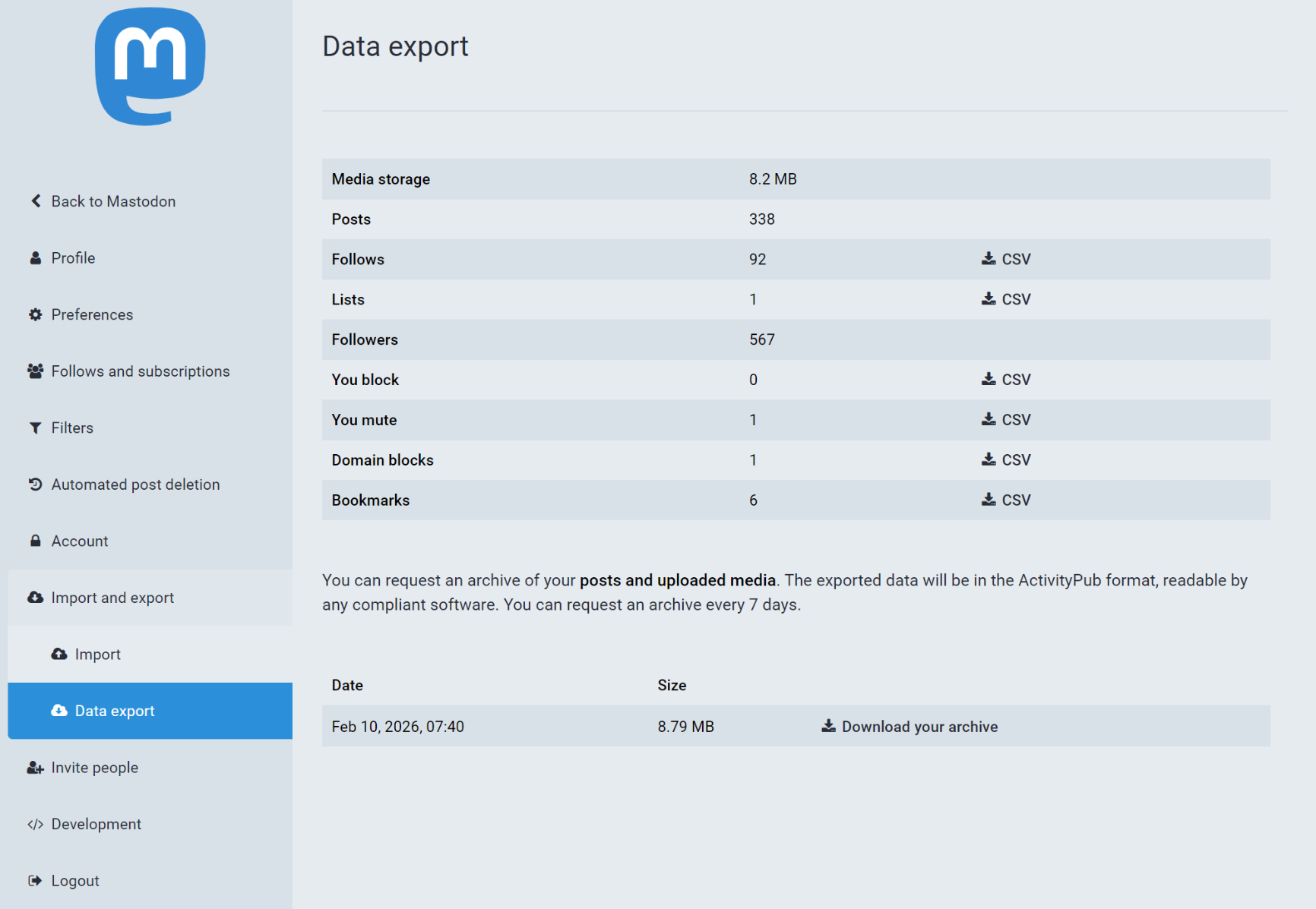
导出很简单,网页端点击preferences,再点击Import and export,选择申请导出即可,申请后点下载就能获得一个tar.gz后缀的压缩文件。
2.浏览
首先tar.gz后缀的文件window自带的文件管理器应该是读取不了的,可以好使用 peazip这种第三方软件。
其次,这个tar.gz文件怎样读取?
很简单,打开这个网站,上传压缩文件即可https://s427.github.io/MARL/dist/index.html
但这个网站只支持上传 zip 文件,所以需要先用peazip把tar.gz文件解压,再重新压缩成zip上传。
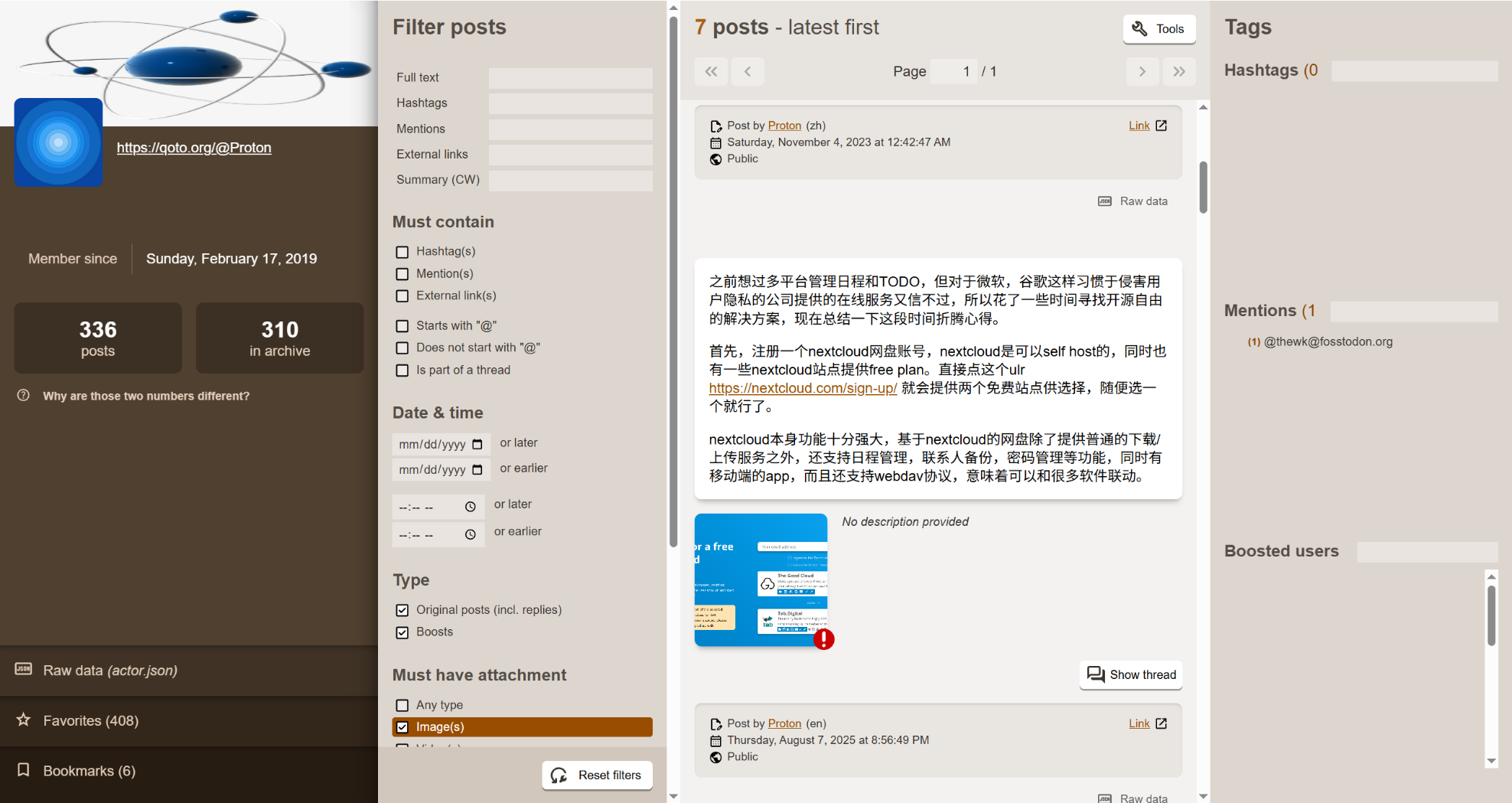
成功后就是图2的界面,所有的历史嘟文和图片和收藏都能显示出来,也可以按自己需求进行筛选。
以上操作也可以纯本地进行,访问该项目的网站https://github.com/s427/MARL ,点击右上角code,download as zip,解压后用浏览器打开本地的index.html文件即可,使用界面和线上版完全一致。

@Proton 你好,我看你也在@qoto.org这个毛象站注册并使用的,请问为啥我一点通知就报错呀