
@codingCoon
not look/appearance 
They auto-harden the browser for you in an extreme way, and you cannot even change things in the settings. You need to insert some code using overrides, which is complicated.
You cannot change the privacy setting from the default Strict to Custom, you cannot easily enable Google Safe Browsing, Dark mode, etc.

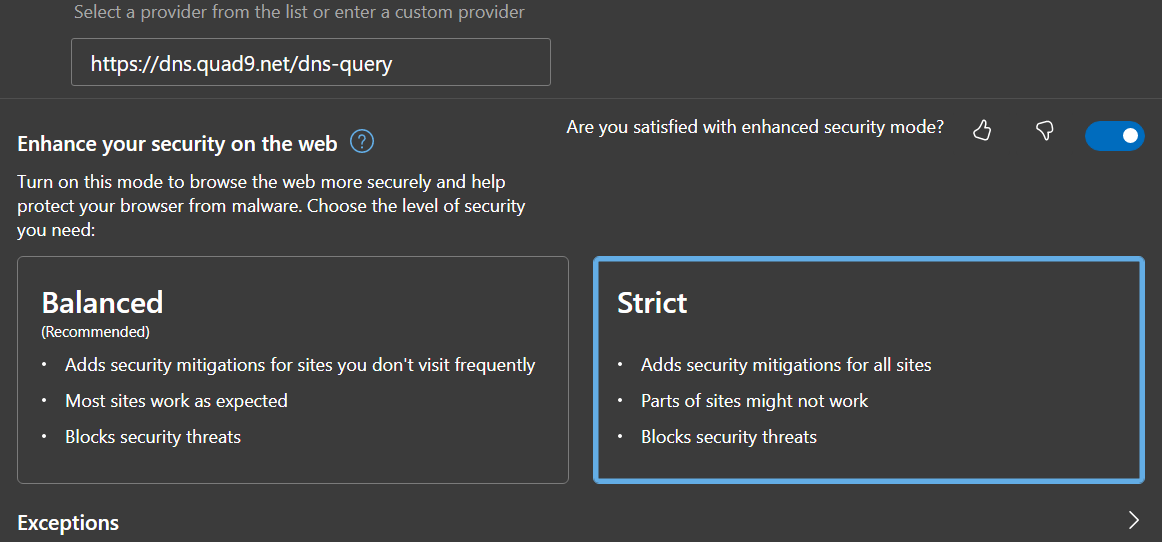
@frankie @codingCoon @kreyren If you don't care about using a closed source browser, you could try Edge. Edge is Chromium-based and has a feature called (and it's really called this) Super Duper Secure Mode which disables JavaScript JIT and enables a load of other security hardeneing. Edge also integrates with Microsoft Defender Application Guard on Windows 10/11.
@inference
That's cool; turns out I'd already enabled it!
IMO, if it had to be a Chromium-based browser, it'd be Brave, coz it comes with Chromium's security and strong anti-fingerprinting! 😇
Follow


@inference @frankie @codingCoon@mk.nixnet.social i would advice against tor browser as it's almost always fingerprintable even if you don't do any changes to the settings
