
How will Apache #NuttX Apps render graphics on #PinePhone? What's inside the Framebuffer Driver for PinePhone? All shall be explained in this article
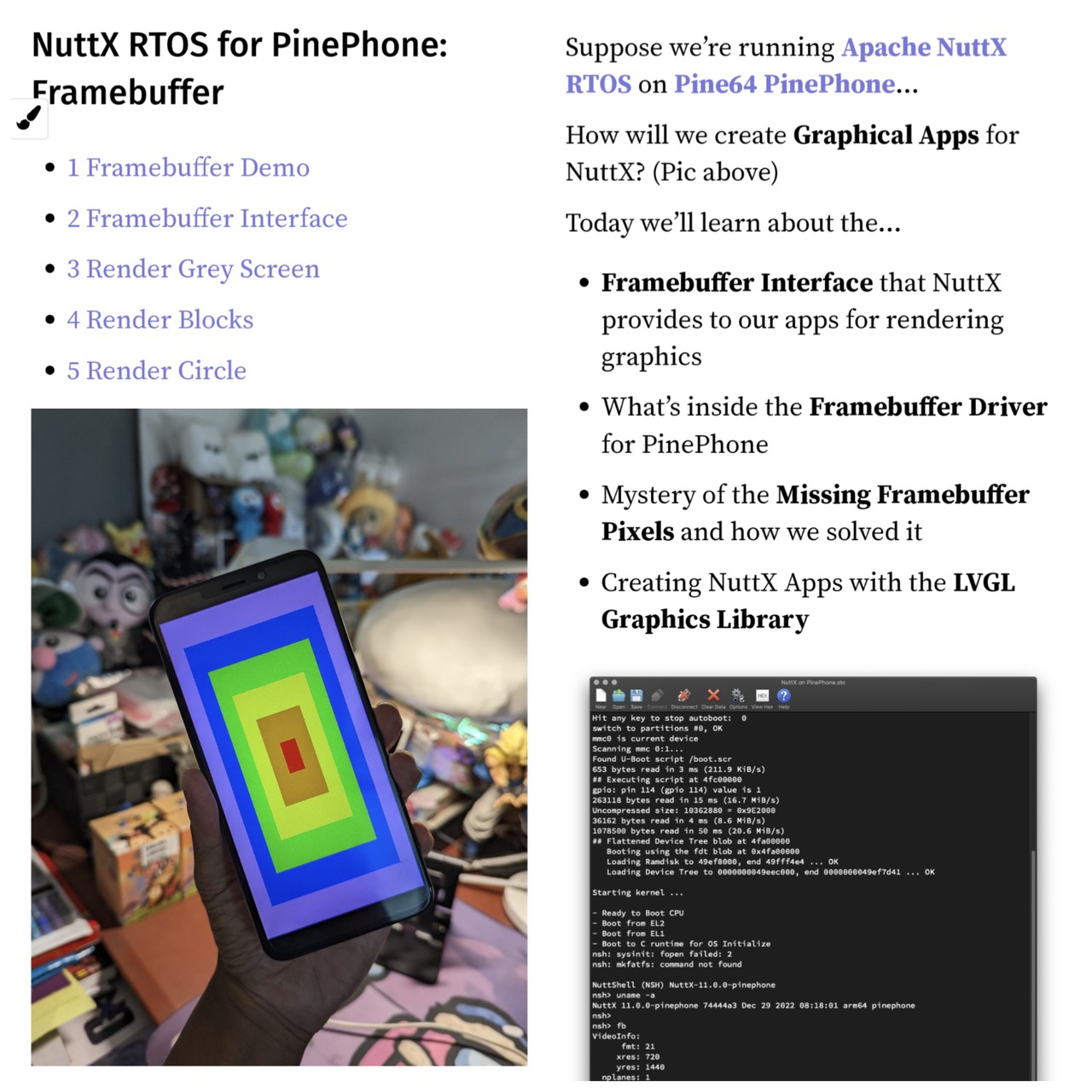
Apache #NuttX RTOS comes with a Framebuffer App that runs on #PinePhone
Article: https://lupyuen.github.io/articles/fb?2#framebuffer-demo
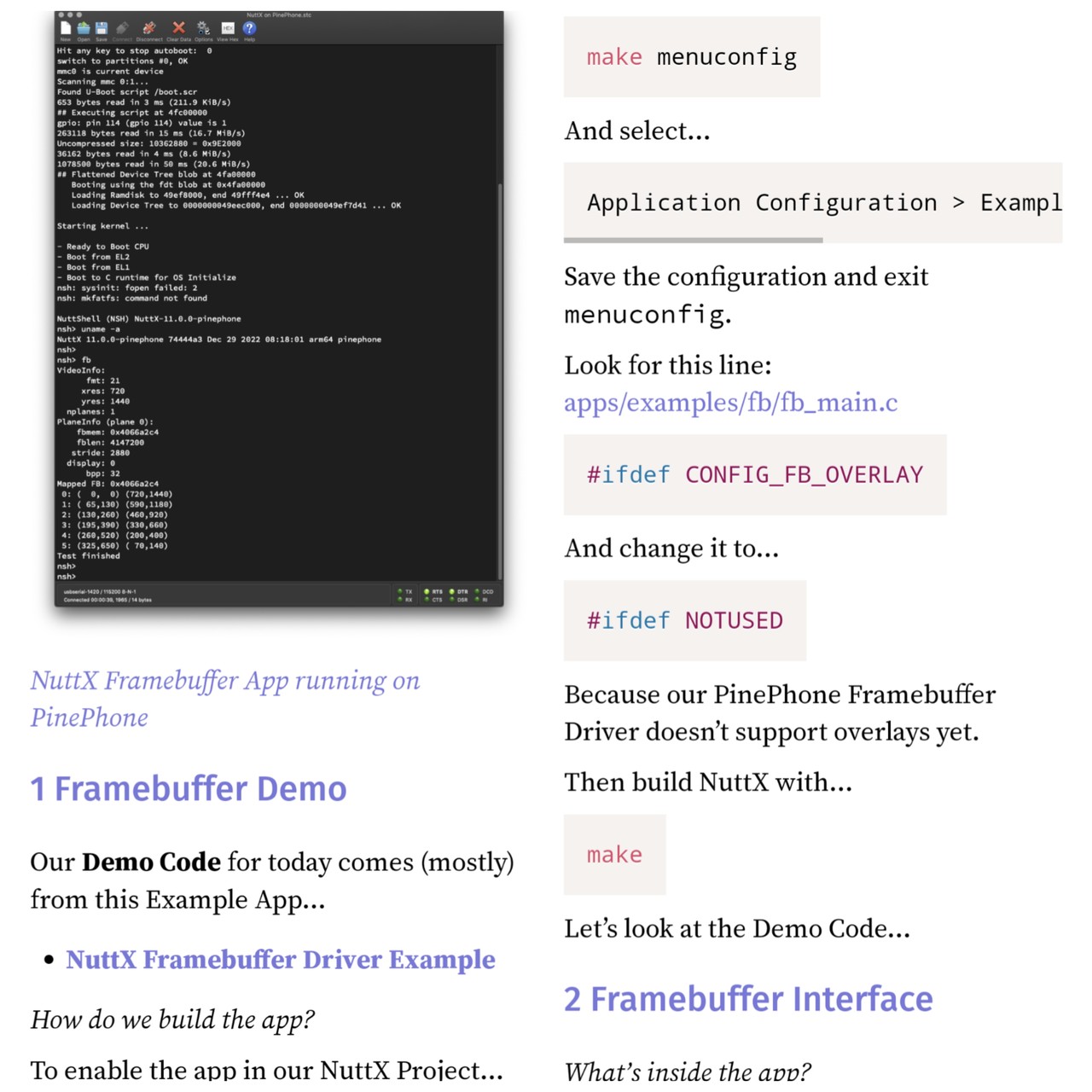
Apache #NuttX Apps render graphics by calling the Framebuffer Interface
Article: https://lupyuen.github.io/articles/fb?2#framebuffer-interface
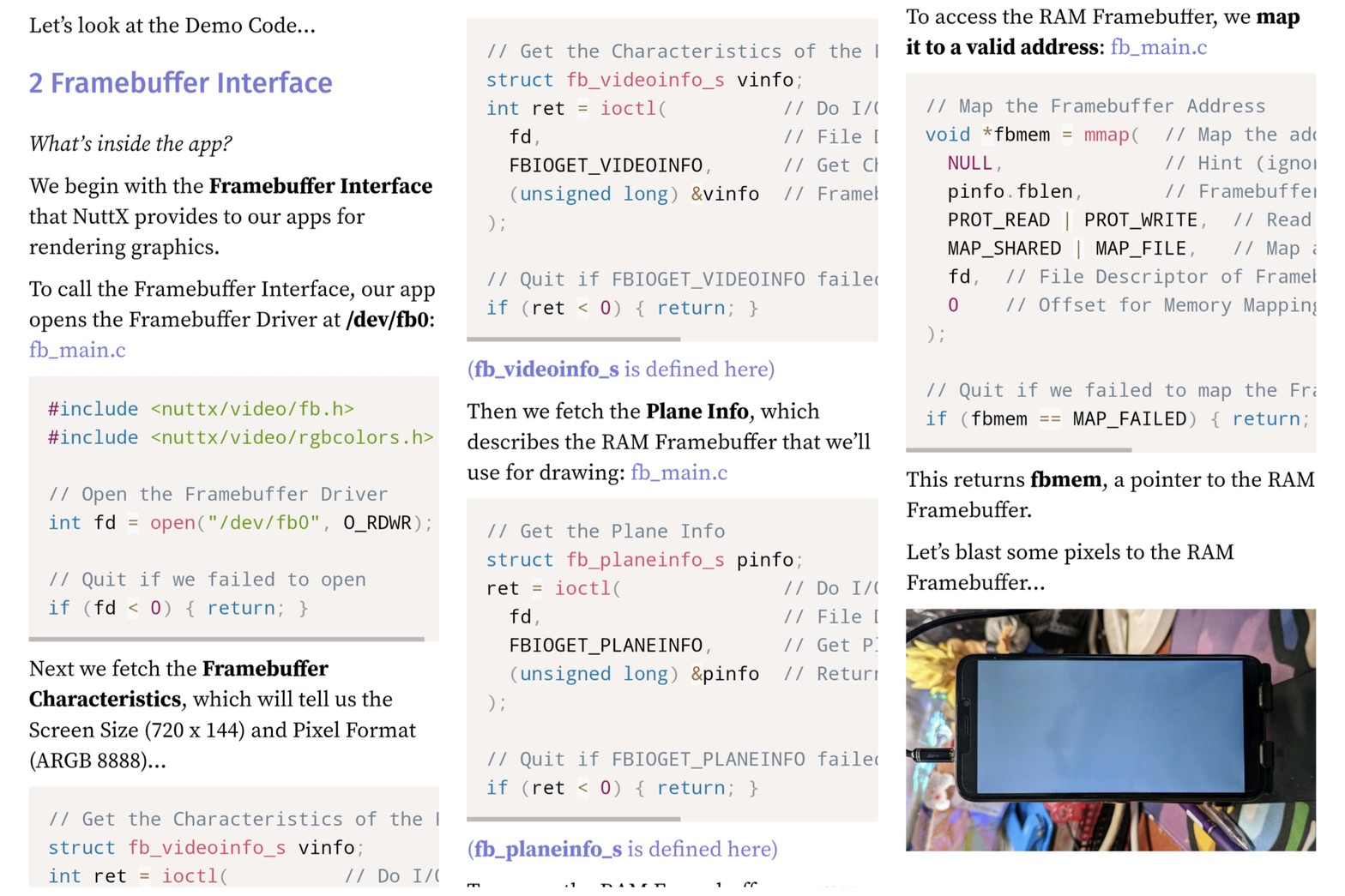
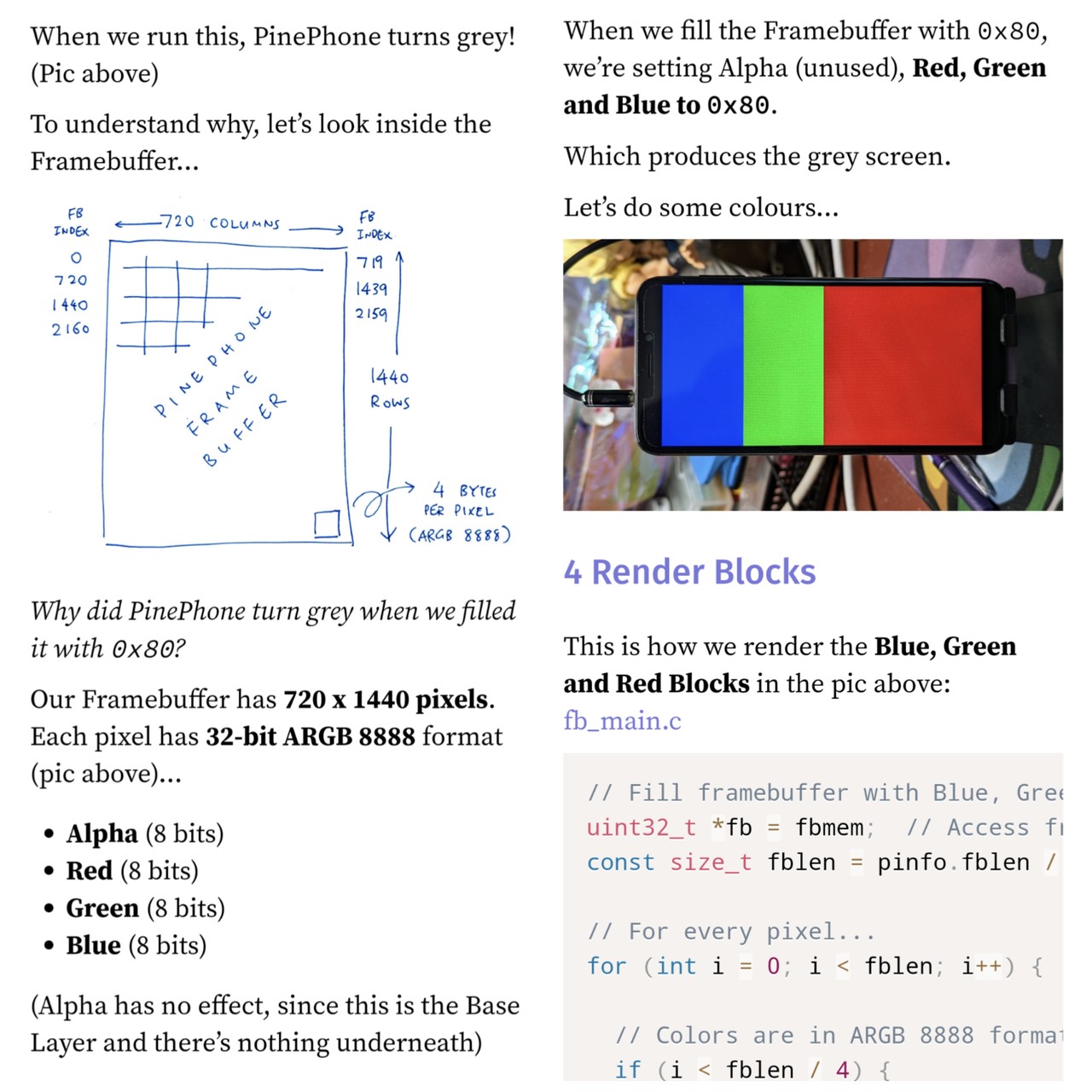
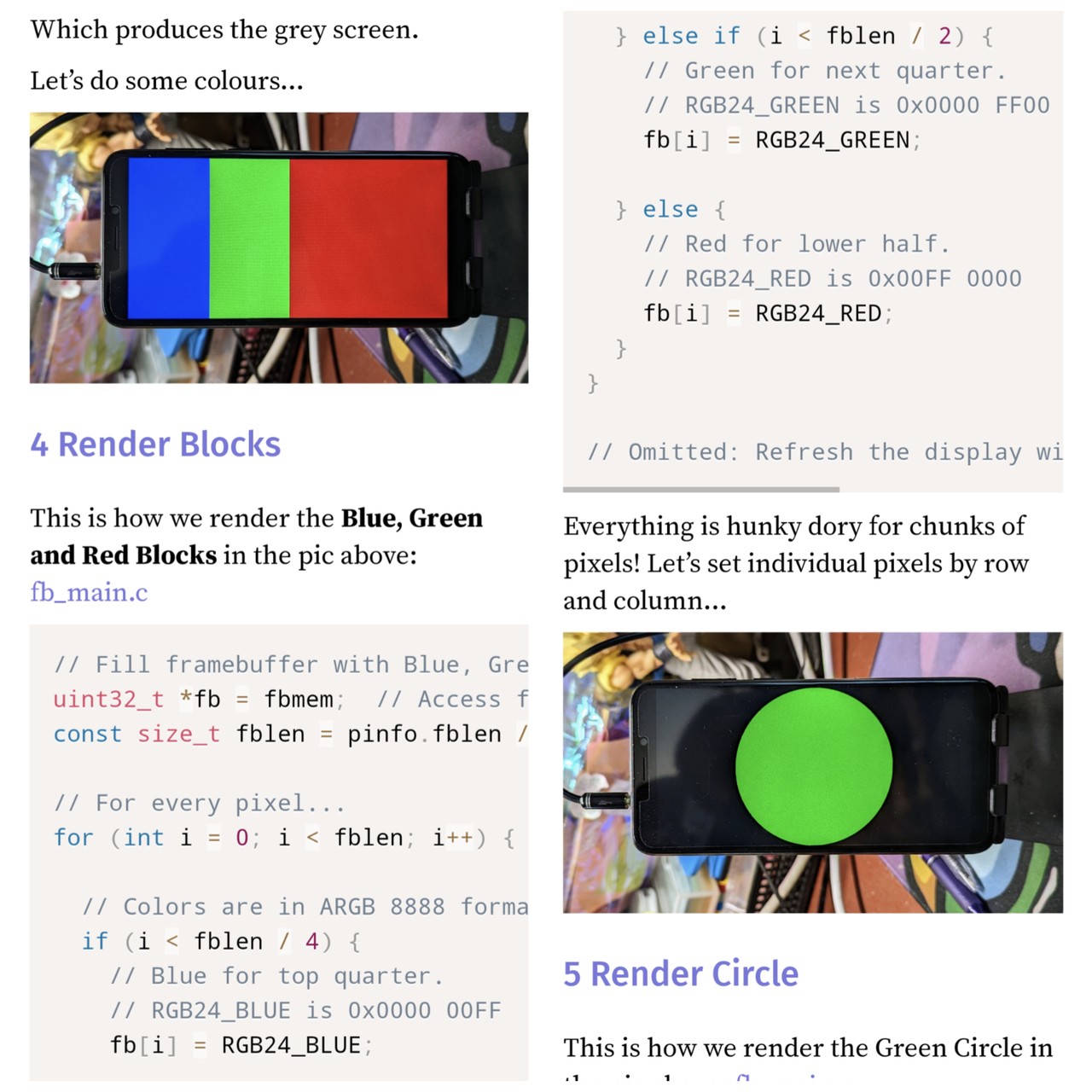
Blasting Pixels to #PinePhone Framebuffer ... On Apache #NuttX RTOS
Article: https://lupyuen.github.io/articles/fb?3#render-grey-screen
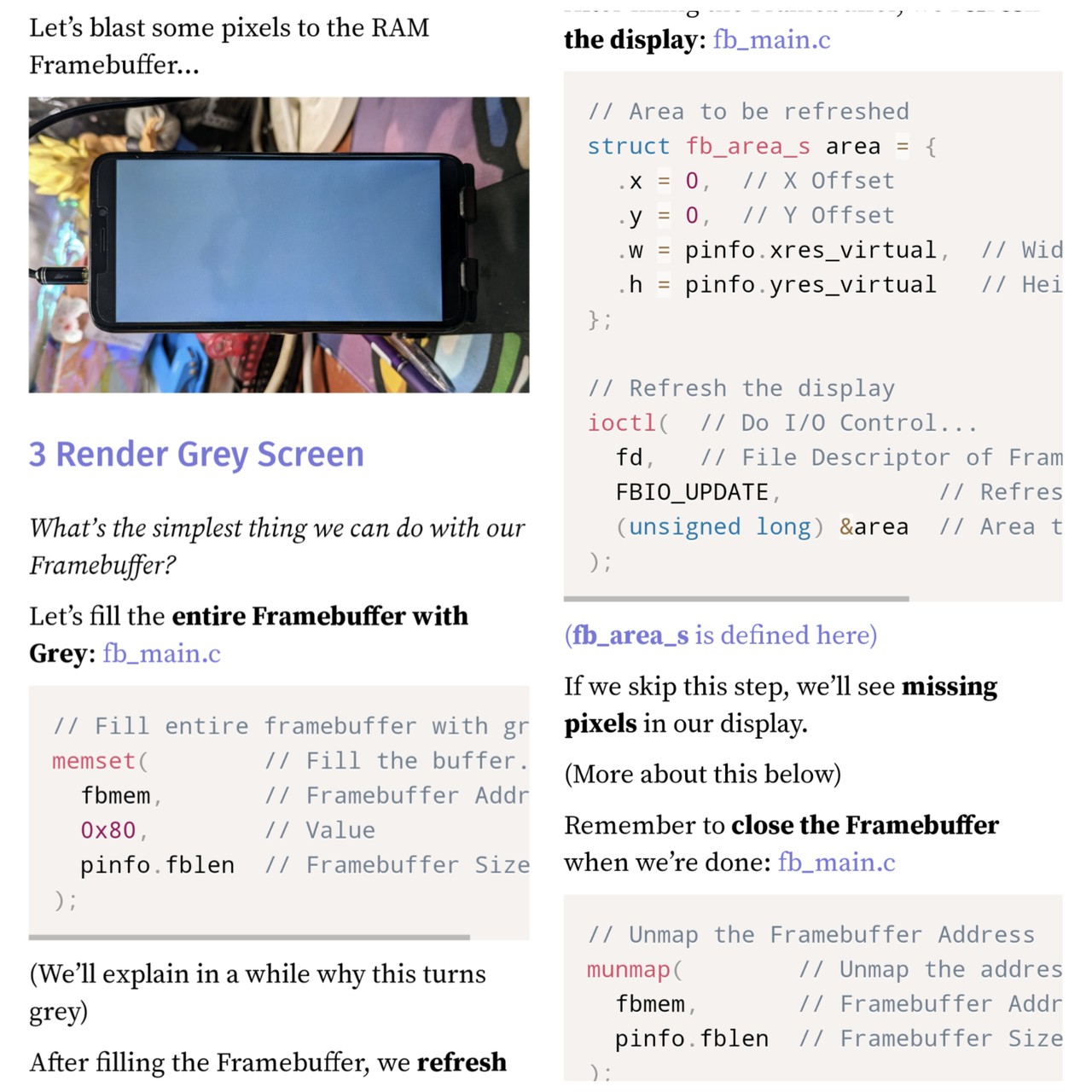
#PinePhone pixels are in 32-bit ARGB 8888 format
Article: https://lupyuen.github.io/articles/fb?3#render-grey-screen
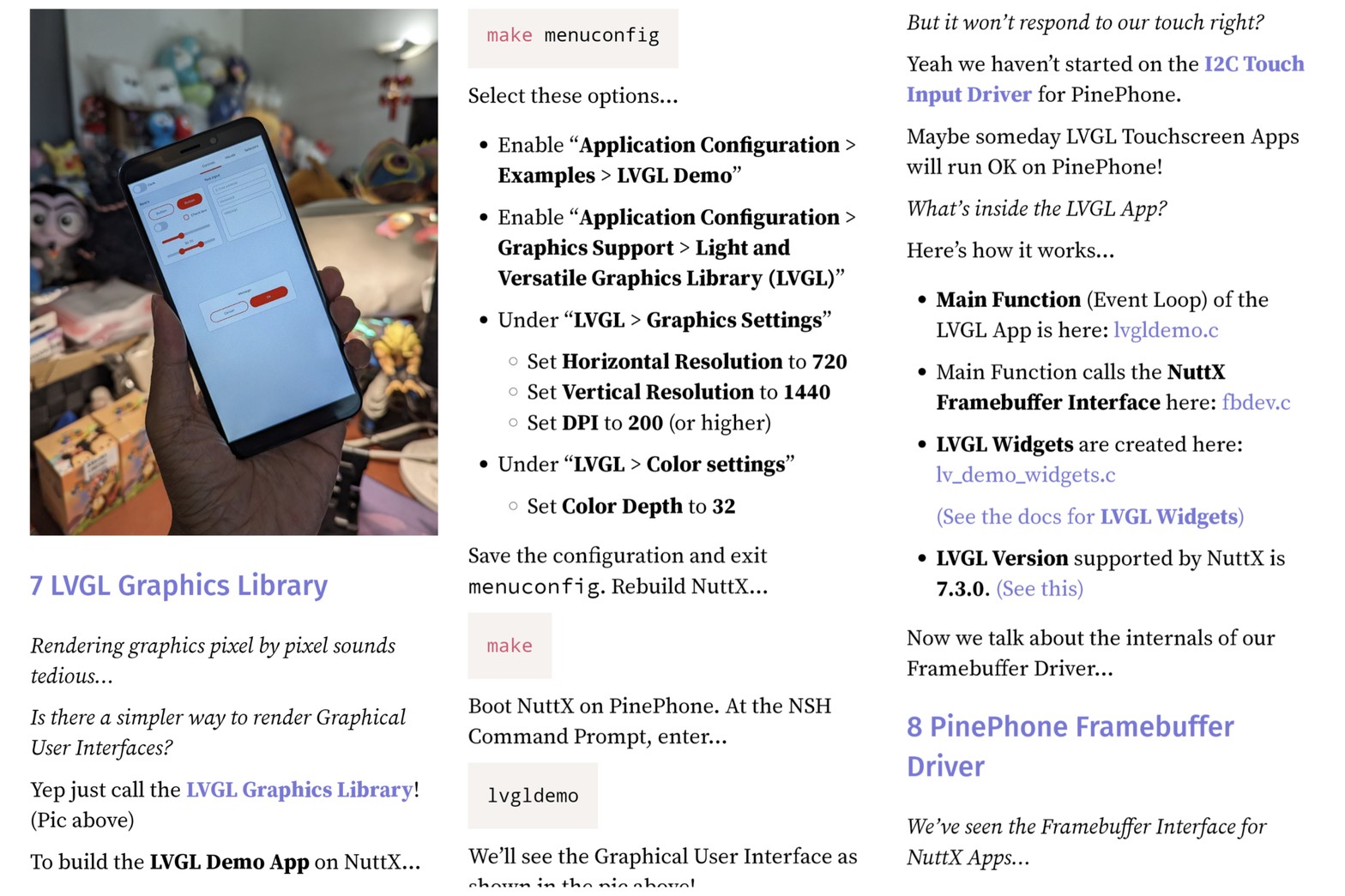
Rendering graphics with #LVGL on #PinePhone ... With Apache #NuttX RTOS
Article: https://lupyuen.github.io/articles/fb?7#lvgl-graphics-library
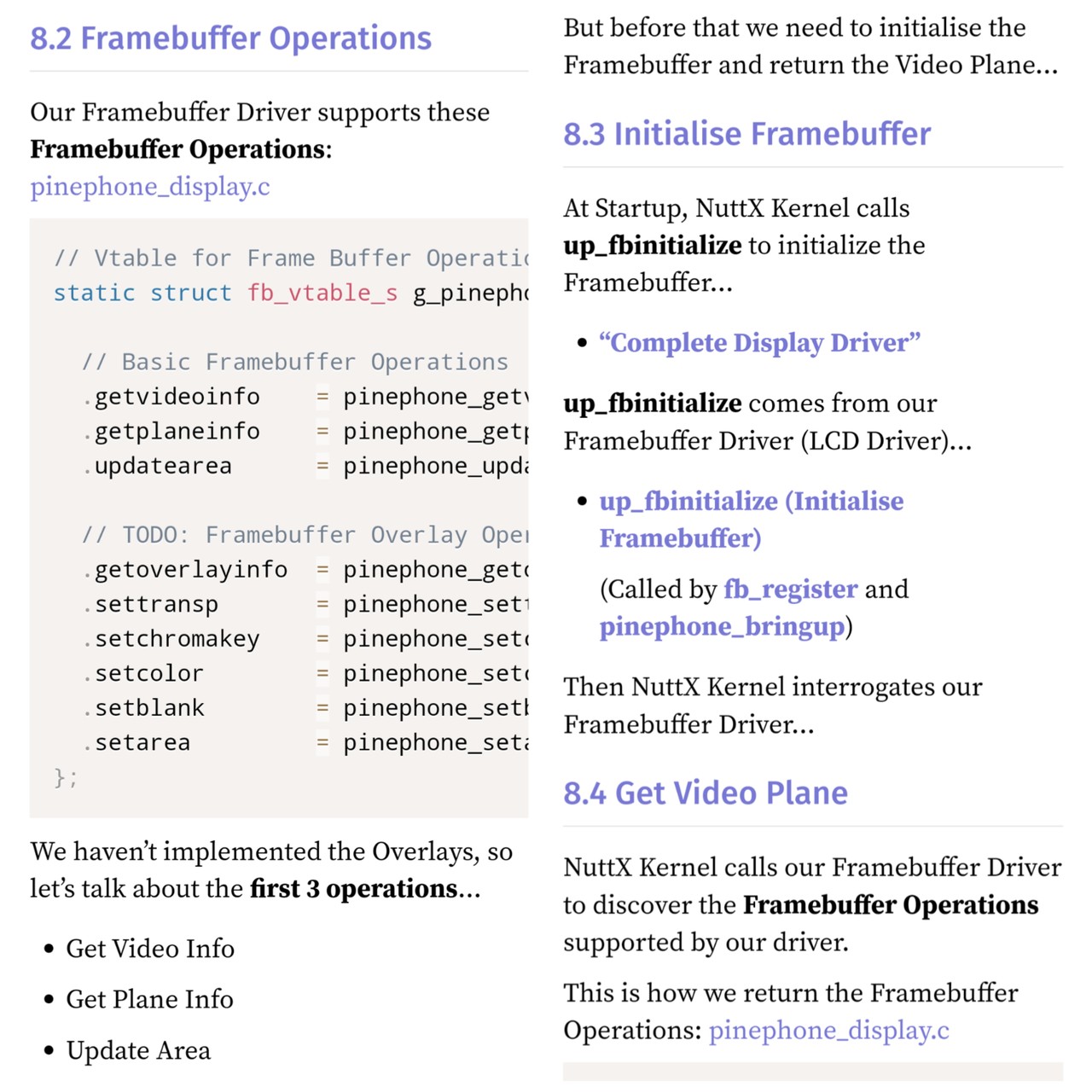
Our #NuttX Framebuffer for #PinePhone supports these operations
Article: https://lupyuen.github.io/articles/fb?10#framebuffer-operations
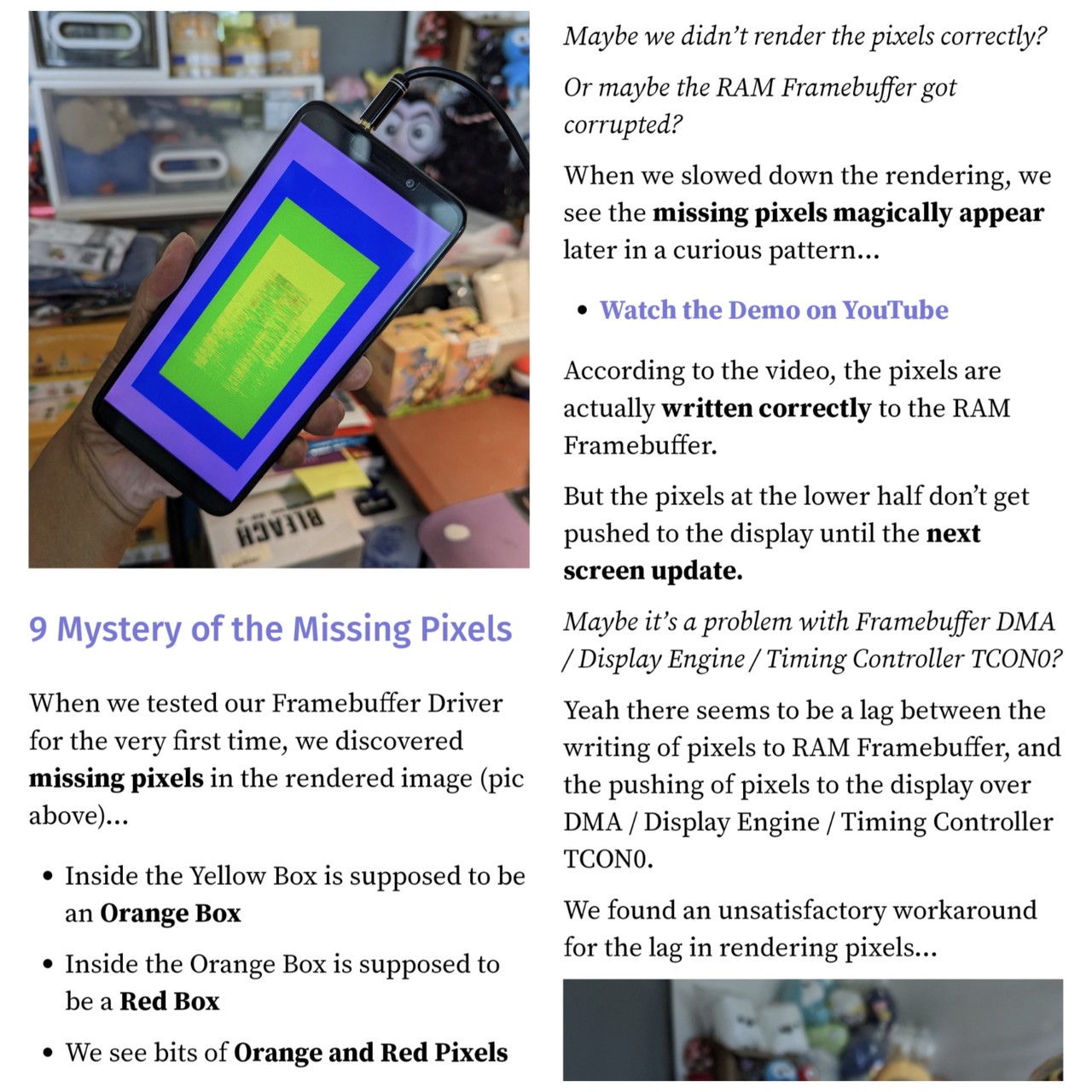
#PinePhone Pixels mysteriously missing on #NuttX RTOS ... But we have a temp workaround
Article: https://lupyuen.github.io/articles/fb?11#mystery-of-the-missing-pixels
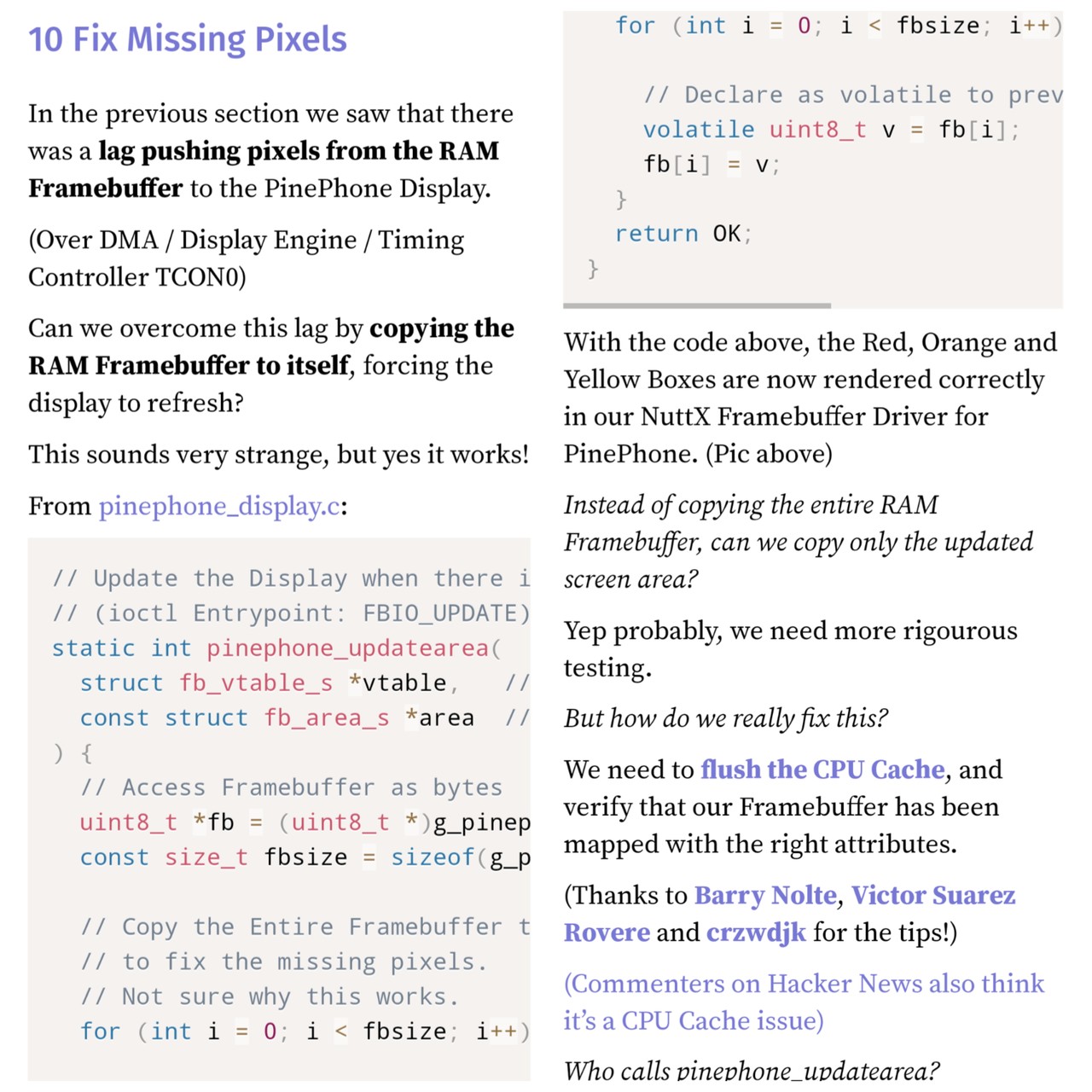
Temp Fix for missing #PinePhone Pixels on #NuttX: Copy the RAM Framebuffer to itself ... Perm Fix: Flush the CPU Cache
Article: https://lupyuen.github.io/articles/fb?12#fix-missing-pixels
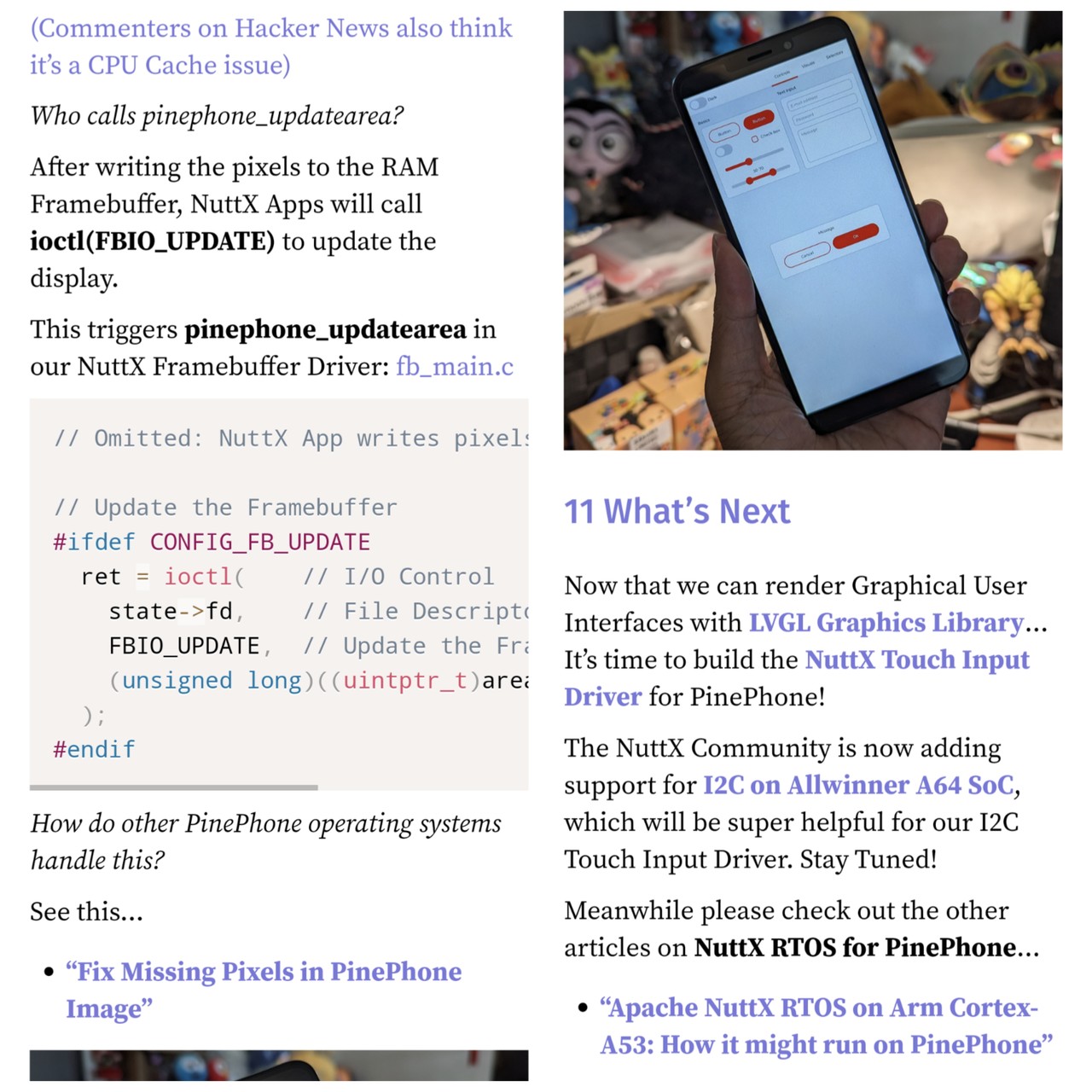
Up Next: Apache #NuttX Touch Panel Driver for #PinePhone
Article: https://lupyuen.github.io/articles/fb?15#whats-next
Here's how Apache #NuttX Apps will render graphics on #PinePhone @PINE64 ... By calling the new Framebuffer Driver for PinePhone

What's inside our #NuttX Framebuffer Driver for #PinePhone
Article: https://lupyuen.github.io/articles/fb?8#pinephone-framebuffer-driver