

(webdev Tory)  @worldsendless@qoto.org
Full Stack Clojure web app engineer
Joined Jul 2021
I'm looking for a monospace #font that includes this ⤵️ https://symbl.cc/en/2BB7/
(webdev Tory)
boosted
boosted

I just changed my computer and installed guix thereon. I found that, curiously, my notification was not working. I spent the day debugging; the script itself ran the sound just fine. The permissions were legal. Finally I found a command that mentioned other earlier errors in my dunstrc file:
dunst -conf /home/ME/.config/dunst/dunstrc
WARNING: Setting notification_height in section global doesn't exist
WARNING: Setting startup_notification in section global doesn't exist
WARNING: Setting verbosity in section global doesn't exist
I learned that those warnings mean the setting SHOULD NOT exist, but it is (wrongly) there. Apparently that was stopping my configuration from being read. So, I commented out the misplaced settings:
# notification_height = 0 ## no more
# startup_notification = true ## no more
## verbosity = debug ## no more
There are newer locations for those settings, but I got up and running – with my audio script being read – by commenting those out.
fonts -- you don't realize how many symbols are unsupported until little boxes with arcane number combinations start appearing all over. What fonts do you use to avoid this?
current task on my new Guix setup on a Nuc desktop: get audio working. the old solution that has worked for years is apparently just for laptops. #Externals #pavuctl
I incidentally updated my IceCat browser. Now I get, "your enterprise admin has disabled Firefox Account Syncing." Now, I know this is not true because I am permanently unemployed. Any suggestions to get my Icecat able to sync with my other devices?
after lots of manual evaluating for the error, I found what was causing my init.el to fail!
(webdev Tory)
boosted
boosted

“Something ineffable happens when you write down a thought. You think something you did not know you could or would think and it leads you to another thought almost unbidden.
[..] the process of writing itself leads to previously unthought thoughts. Or to be more precise, writing crystallizes previously half-formulated or unformulated thoughts, gives them form, and extends chains of thoughts in new directions.”
— Lynn Hunt
https://www.historians.org/perspectives-article/how-writing-leads-to-thinking-february-2010/
This last round of installing #guix I forgot to check "exwm" as an additional login method, which has been my daily driver for years.
As far as I can tell all I need is a stanza in my system.ctl after my other wm, Gnome. I've tried to make sense of the official documentation but it was opaque to me. Exactly what do I need for #exwm in my system.ctl?
(webdev Tory)
boosted
boosted

(webdev Tory)
boosted
boosted

"As for everything else, so for a mathematical theory – beauty can be perceived, but not explained." – Arthur Cayley (1821–1895)
#quote #mathematics #beauty #maths #math
(webdev Tory)
boosted
boosted


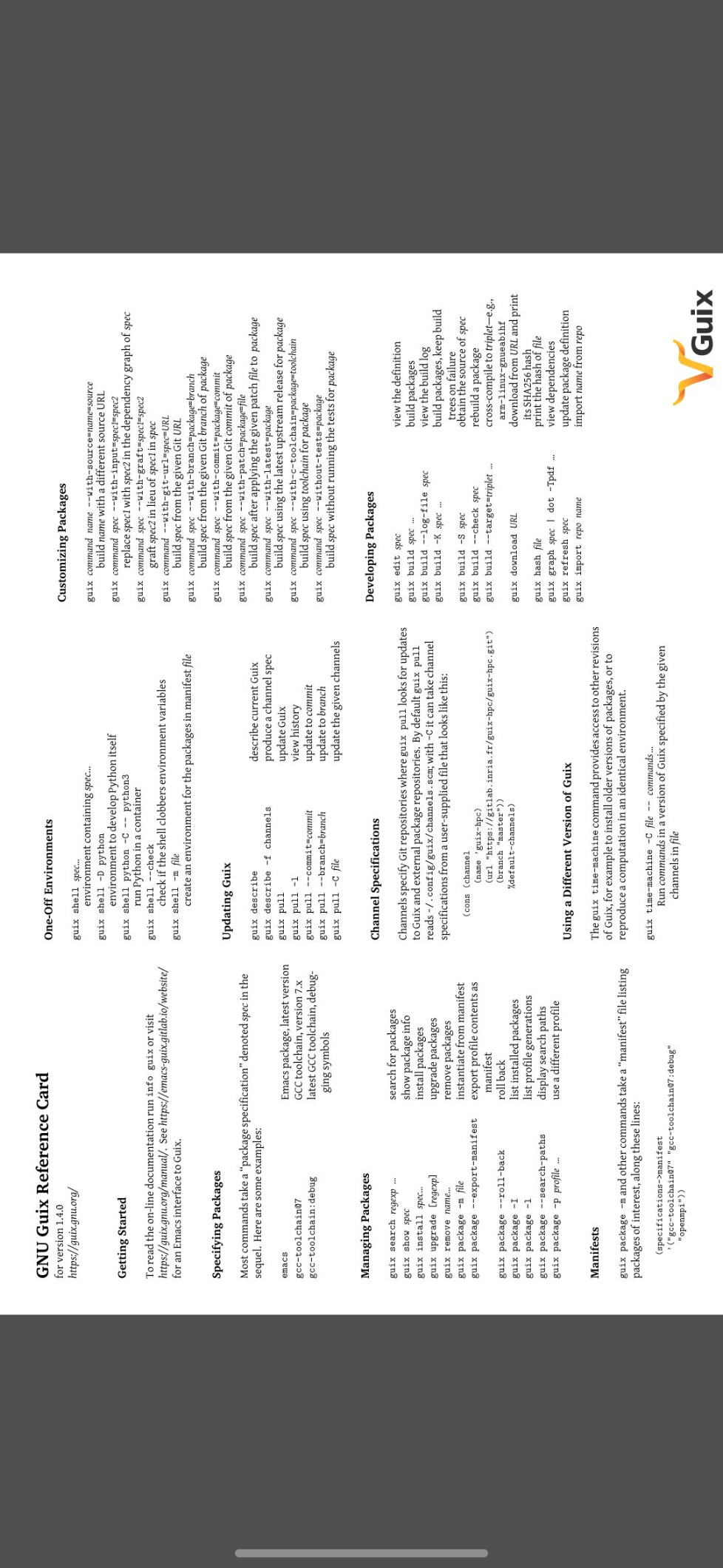
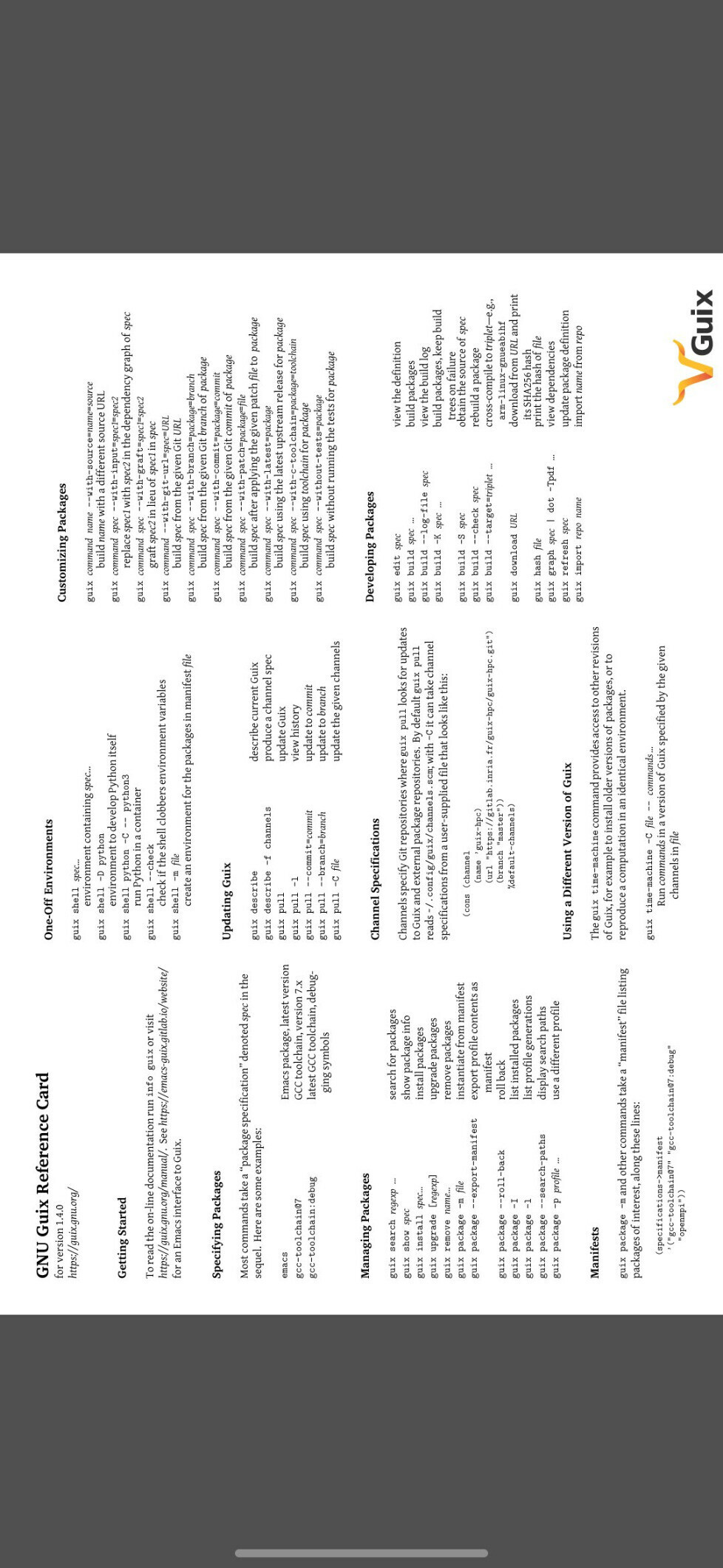


Formally verified certification of unsolvability of temporal planning problems. ~ David Wang, Mohammad Abdulaziz. https://arxiv.org/abs/2510.10189 #ITP #IsabelleHOL
(webdev Tory)
boosted
boosted
in case anyone was wondering, #TSA are my initials, hence #TSA_blogs #TSA_harmony #TSA_tech #TSA_ling #TSA_games
Since Bluehost cancelled my deal with them (an Alumni special from back when Bluehost was US owned and a proper company, before it's current gargantuan outsourced-everything state), I realized that I can use Mastodon as my blogging solution. Hence some long posts now and in the future. #TSA_Tech #blogs
Since Bluehost cancelled my deal with them (an Alumni special from back when Bluehost was US owned and a proper company, before it's current gargantuan outsourced-everything state), I realized that I can use Mastodon as my blogging solution. Hence some long posts now and in the future. #TSA_Tech #blogs
oh. I guess Mastodon doesn't do Markdown.
#TSA_tech # setting up a local version of Wordpress on Tumbleweed in 500 easy steps
For a better development experience I needed to set up Wordpress locally on my Tumbleweed machine, which was somewhat different than the Ubuntu that I brought the site from. It wasn't really 500 steps, but does have some gotchas and require some time to get right.
## Prerequisites
- Have a version of the WordPress site running somewhere on server that you can access. You need a mysqldump of its db and a copy of its complete file structure.
- `mysqldump -h host_if_not_local -P 3360 -uwordpressuser -p X > ~/X.sql`
- the port `-P` is whatever port it as served from, if not local and not default
- You will be prompted for the password of the user, which is the password from the wp-config of the site
- Have Apache, PHP, and MySQL or MariaDB running locally. You can find these in the repo with `sudo zypper search lamp`, which will show you the `lamp_server` pattern that you want. Install that.
## Install the site
1. Locate the base place that you are serving locally. Mine defaulted to `/srv/www/htdocs/`.
2. Source the database into your mysql, replacing X below with the name you want for your database.
1. `cd` to the directory with `thingyoudumped.sql`
2. log into the local db with `sql`. I had to be root to log in with the privileges I needed, so I started with `sudo -i`
3. create the db and create everything you need to fill, and the priveleges Wordpress will need. `CREATE USER 'X'@'localhost' IDENTIFIED BY 'X'; CREATE DATABASE X; GRANT ALL PRIVILEGES ON X.* to 'X';`
- Note the `@'localhost'`. In modern mysql, the old `@'*'` means everything EXCEPT localhost, so you won't work with the star.
4. from the mysql prompt, `/use X` and then run `source thingyoudumped.sql` and watch it bring in all the stuff you need
3. Copy your Wordpress directory, which should be the directory containing wp-config.php, into the served place, such as `/srv/www/htdocs/`.
4. Make sure the following lines are present in your wp-config.php, where X is the name of the actual directory containing the wp-config file:
define('WP_HOME','http://localhost/X');
define('WP_SITEURL','http://localhost/X');
Note the absence of `/` at the end of those http addresses. With a `/` at the end, I spent a while debugging why I was simply being routed to my base localhost directory and not the Wordpress site.
You will also need to make sure that wp-config contains working database credentials for the db you just created in step 2.3, unless you just copied the same credentials as the site had before.
## Making apache happy with .htaccess
In the same folder as your wp-config you should find a .htaccess file for the apache config that WordPress requires to make things work. It should contain something like this. My actual file had a massive section before this for WP-Rocket, but this is what is necessary.
` <IfModule mod_rewrite.c>`
` RewriteEngine On`
` RewriteBase /X/`
` RewriteRule ^index\.php$ - [L]`
` RewriteCond %{REQUEST_FILENAME} !-f`
` RewriteCond %{REQUEST_FILENAME} !-d`
` RewriteRule . /X/index.php [L]`
` </IfModule>`
## configuring apache itself with default.conf
This was the biggest difference from installing locally on Ubuntu. Apache on Tumbleweed uses a different directory structure. It doesn't have the `sites-enabled` or `sites-avalailable` directories, or the `a2ensite` family of helpers. Instead, the single location I need was `/etc/apache2/default-server.conf`, which I needed to adjust to respect the htaccess of our target directory. It had a bunch of other stuff in the file, but the following is the important part for WordPress:
` DocumentRoot "/srv/www/htdocs"`
` <Directory "/srv/www/htdocs">`
` Options All`
` AllowOverride All`
` <IfModule !mod_access_compat.c>`
` Require all granted`
` </IfModule>`
` <IfModule mod_access_compat.c>`
` Order allow,deny`
` Allow from all`
` </IfModule>`
` </Directory>`
` `
` <IfModule mod_userdir.c>`
` UserDir public_html`
` Include /etc/apache2/mod_userdir.conf`
` </IfModule>`
` `
` IncludeOptional /etc/apache2/conf.d/*.conf`
` `
` IncludeOptional /etc/apache2/conf.d/apache2-manual?conf`
` ServerName 127.0.0.1`
``
``
`## Success!`
`After this I was up and running. There might me another step about installing a php accellerator, but I didn't have to do that on this site. It should be available from the repo if you need it.
Full Stack Clojure web app engineer
Joined Jul 2021
